Creating a landing page that actually converts can be challenging. You need the right design, compelling copy, strong calls to action, fast performance, and a reliable way to test what works.
That is where Unbounce comes in.
Unbounce is a landing page creation and conversion optimization platform designed to help marketers, agencies, and businesses build, test, and optimize landing pages without relying heavily on developers.
But is Unbounce really worth the investment?
In this Unbounce review, we’ll look at how Unbounce works, its key features, pricing, ease of use, integrations, pros and cons, customer feedback, and who should consider using it.
What Is Unbounce?
Unbounce is a landing page builder and conversion optimization platform designed primarily for marketers and businesses that want to create high-converting campaign pages without writing extensive code.
Its drag-and-drop builder lets users create landing pages for desktop and mobile, customize page elements, add forms, use templates, and publish pages to their own domains. Unbounce also includes tools for A/B testing, AI-powered optimization, popups, sticky bars, and conversion tracking.
The platform has evolved beyond a simple landing page builder. Today, Unbounce combines page creation with experimentation and AI-powered optimization, making it useful for businesses that want to improve conversion rates rather than simply publish attractive pages.
How Does Unbounce Work?
Unbounce is built around a fairly straightforward process:
-
- Choose a landing page template or start from scratch.
- Customize the page using the drag-and-drop editor.
- Add headlines, images, forms, buttons, and other elements.
- Connect your marketing tools and tracking.
- Publish the page to your domain.
- Create different page variants for testing.
- Analyze conversions and optimize the experience.
You don’t need to be an experienced developer to get started. Unbounce provides more than 100 templates and allows users to customize pages without writing code. Advanced users can also add custom HTML, CSS, and JavaScript when needed.
This makes Unbounce suitable for both beginners who want a faster workflow and experienced marketers who need more control over their landing pages.
Unbounce Features
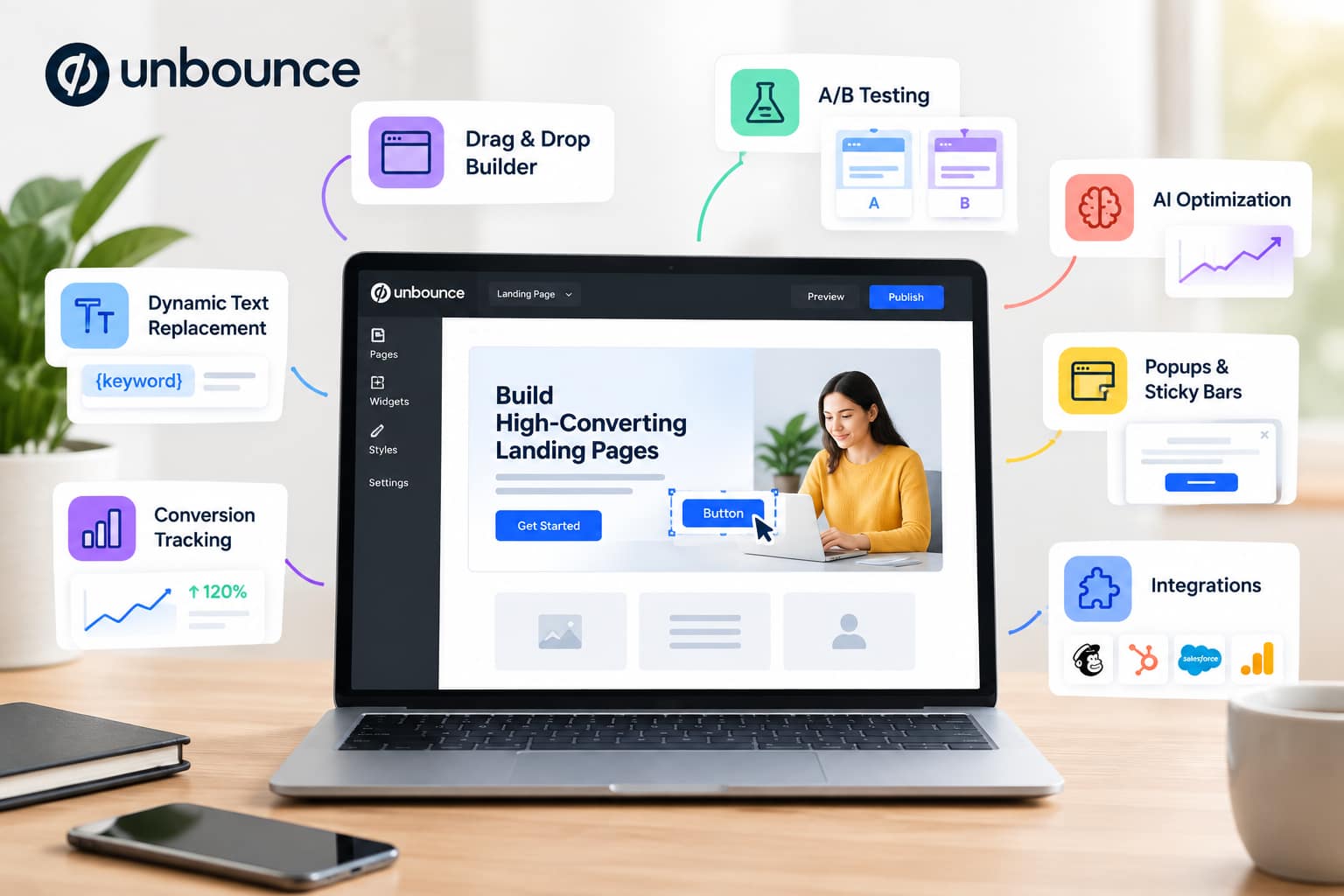
Unbounce offers considerably more than a basic landing page editor. Here are some of its most useful features.
Drag-and-Drop Landing Page Builder
The main attraction is Unbounce’s landing page builder.
You can add and rearrange page elements without having to build the page from scratch with code. The platform also includes more than 100 templates designed to help users launch pages quickly.
You can customize elements such as:
-
- Headlines
- Images
- Buttons
- Forms
- Text sections
- Videos
- Custom scripts
- Page layouts
Unbounce also gives users control over their mobile layouts, allowing mobile pages to be customized separately from desktop versions.
A/B Testing
A/B testing is one of Unbounce’s biggest advantages for marketers.
Instead of guessing which landing page will perform better, you can create multiple versions and compare their conversion performance.
You can test changes to:
-
- Headlines
- Calls to action
- Images
- Forms
- Page layouts
- Offers
- Supporting copy
Unbounce’s Experiment plan includes unlimited A/B testing and unlimited variants, making the platform particularly useful for businesses running ongoing marketing campaigns.
Smart Traffic AI Optimization
Unbounce also offers Smart Traffic, its AI-powered conversion optimization feature.
Rather than simply sending every visitor to the same winning page, Smart Traffic analyzes visitor characteristics and automatically routes people toward the page variant where they are more likely to convert.
The system can consider factors such as location, device, browser, and operating system.
According to Unbounce, Smart Traffic can begin optimizing after an initial learning period and is designed to continuously adjust its routing as more visitor data becomes available.
This can be particularly useful for marketers managing multiple landing page variations.
AI Copywriting
Unbounce includes AI writing assistance directly inside its landing page builder.
Users can rewrite, expand, summarize, or generate alternative versions of existing landing page copy. This can make it easier to create variations for testing without leaving the page editor.
This is useful when you want to experiment with different headlines, descriptions, or calls to action but don’t want to manually rewrite every section.
Popups and Sticky Bars
Unbounce isn’t limited to landing pages.
You can also create popups and sticky bars designed to capture leads or promote offers across your website.
These elements can be customized and triggered based on actions such as:
-
- Page arrival
- Scrolling
- Clicking an element
- Exit behavior
- URL targeting
- UTM parameters
Unbounce also supports multi-step forms and dynamic text replacement for popups and sticky bars.
Dynamic Text Replacement
Dynamic Text Replacement allows marketers to change specific landing page text based on visitors’ search terms.
For example, if someone searches for a particular service and lands on your page, the headline can be adjusted to better match their search intent.
This can help create a more relevant experience for paid search visitors and other targeted campaigns.
Conversion Tracking and Reporting
Building a landing page is only part of the job. You also need to know whether the page is generating results.
Unbounce provides dashboards and conversion tracking tools that help marketers monitor page performance. It can also connect with external analytics and marketing tools.
You can use performance data to identify which pages, variants, and campaigns are generating the most conversions.
Integrations
Unbounce can connect with other marketing tools so that landing page leads can move into the rest of your marketing workflow.
The platform supports direct integrations and connections through tools such as Zapier and webhooks. It also works with popular platforms such as Salesforce, HubSpot, and Mailchimp.
This is especially useful for businesses that already have a CRM or marketing automation system.
Unbounce Pricing
Unbounce offers several plans designed for different levels of usage.
Current monthly pricing starts at:
| Plan | Monthly Price | Best For |
|---|---|---|
| Starter | $29/month | Small projects and getting started |
| Build | $99/month | Businesses creating landing pages |
| Experiment | $149/month | Businesses running A/B tests |
| Optimize | $249/month | Businesses wanting AI optimization |
Unbounce also offers lower prices with annual billing.
All plans include features such as unlimited conversions, unlimited subdomains, templates, hosting, and customer support, although the limits on pages, visitors, users, domains, and optimization features vary by plan.
Is Unbounce Expensive?
Compared with basic website builders and some simpler landing page tools, Unbounce can be expensive.
However, the pricing makes more sense for businesses that actively use landing pages for paid advertising, lead generation, conversion testing, and campaign optimization.
For a small business that only needs one or two simple landing pages, the cost may be harder to justify.
For an agency or marketing team running multiple campaigns, the testing and optimization tools can provide considerably more value.
Is Unbounce Easy to Use?
One of Unbounce’s strongest selling points is its visual editor.
The drag-and-drop interface is designed so that users can build landing pages without needing advanced development skills. Templates also reduce the amount of work required to create a page from scratch.
Beginners can start with a template and customize the content, while more advanced users can use custom code and scripts.
That said, creating a technically functional landing page is easier than creating a high-converting landing page. You still need good copy, a strong offer, effective design, and a clear understanding of your target audience.
Unbounce Reviews: What Are Customers Saying?
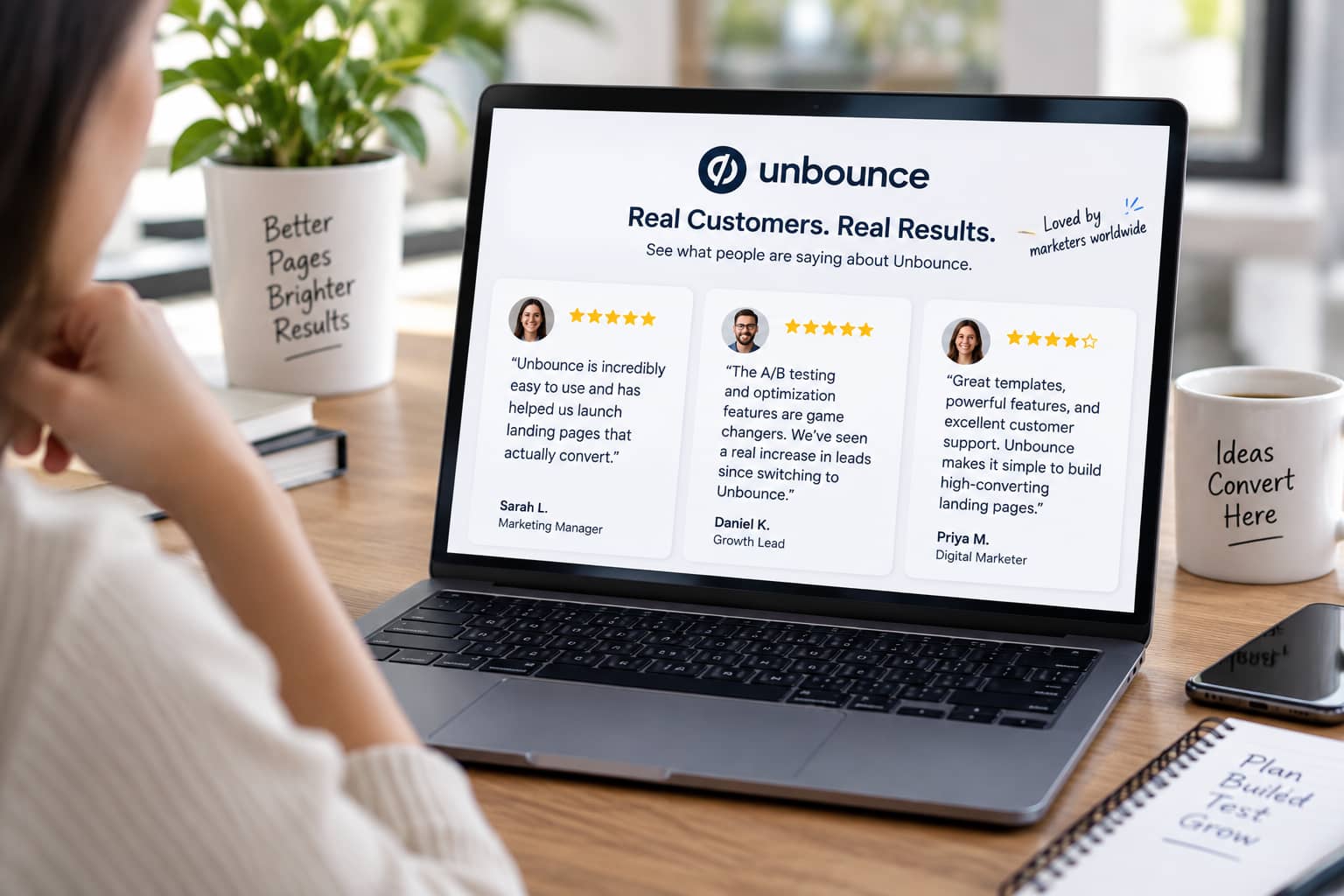
Customer feedback about Unbounce is generally positive, particularly around ease of use, landing page functionality, and customer support.
Capterra currently lists Unbounce at 4.5 out of 5 based on 257 reviews, with an ease-of-use score of 4.5 and customer-service score of 4.4.
Positive feedback commonly focuses on the platform’s landing page creation and testing capabilities.
However, some users have also raised concerns about pricing and reporting discrepancies. Some reviews mention cases where exported campaign results did not always match dashboard analytics.
Overall, the feedback suggests that Unbounce is particularly attractive to marketers who need a dedicated landing page and conversion optimization platform rather than a general website builder.
Unbounce Pros and Cons
Pros
-
- Easy drag-and-drop landing page builder
- 100+ templates
- No-code page creation
- A/B testing capabilities
- AI-powered Smart Traffic optimization
- AI copywriting tools
- Popups and sticky bars
- Dynamic Text Replacement
- Custom scripts and code
- Large selection of integrations
- Conversion tracking and reporting
- Free hosting included
- Useful for agencies and marketing teams
Cons
-
- Can be expensive for small businesses
- Advanced features require higher-tier plans
- May be more powerful than necessary for simple landing pages
- Some users have reported analytics discrepancies
- Learning advanced optimization features can take time
Who Is Unbounce Best For?
Unbounce is best suited to businesses and marketers that rely heavily on landing pages and conversion-focused campaigns.
It can be a particularly good fit for:
Digital Marketers
If you’re running paid advertising campaigns, Unbounce can help you create dedicated landing pages instead of sending every visitor to a generic website page.
Marketing Agencies
Agencies can benefit from features designed for managing multiple campaigns and clients, including account management, page duplication, templates, and lead exports.
E-commerce Businesses
E-commerce marketers can use landing pages, popups, and sticky bars to promote specific products, offers, and campaigns.
Lead Generation Businesses
Businesses focused on collecting leads can use Unbounce forms, landing pages, and conversion tracking to build dedicated lead-generation campaigns.
PPC Advertisers
Unbounce can be particularly useful for businesses running Google Ads or other paid campaigns because landing pages can be customized around specific advertising audiences and offers.
Who Should Avoid Unbounce?
Unbounce may not be the best choice if you only need a simple website or an occasional landing page.
For example, a freelancer or small business with a very limited marketing budget may find Unbounce’s subscription cost difficult to justify.
Likewise, if you already have a website platform with sufficient landing page functionality and don’t need advanced testing or optimization, Unbounce may provide more features than you actually need.
Is Unbounce Worth It?
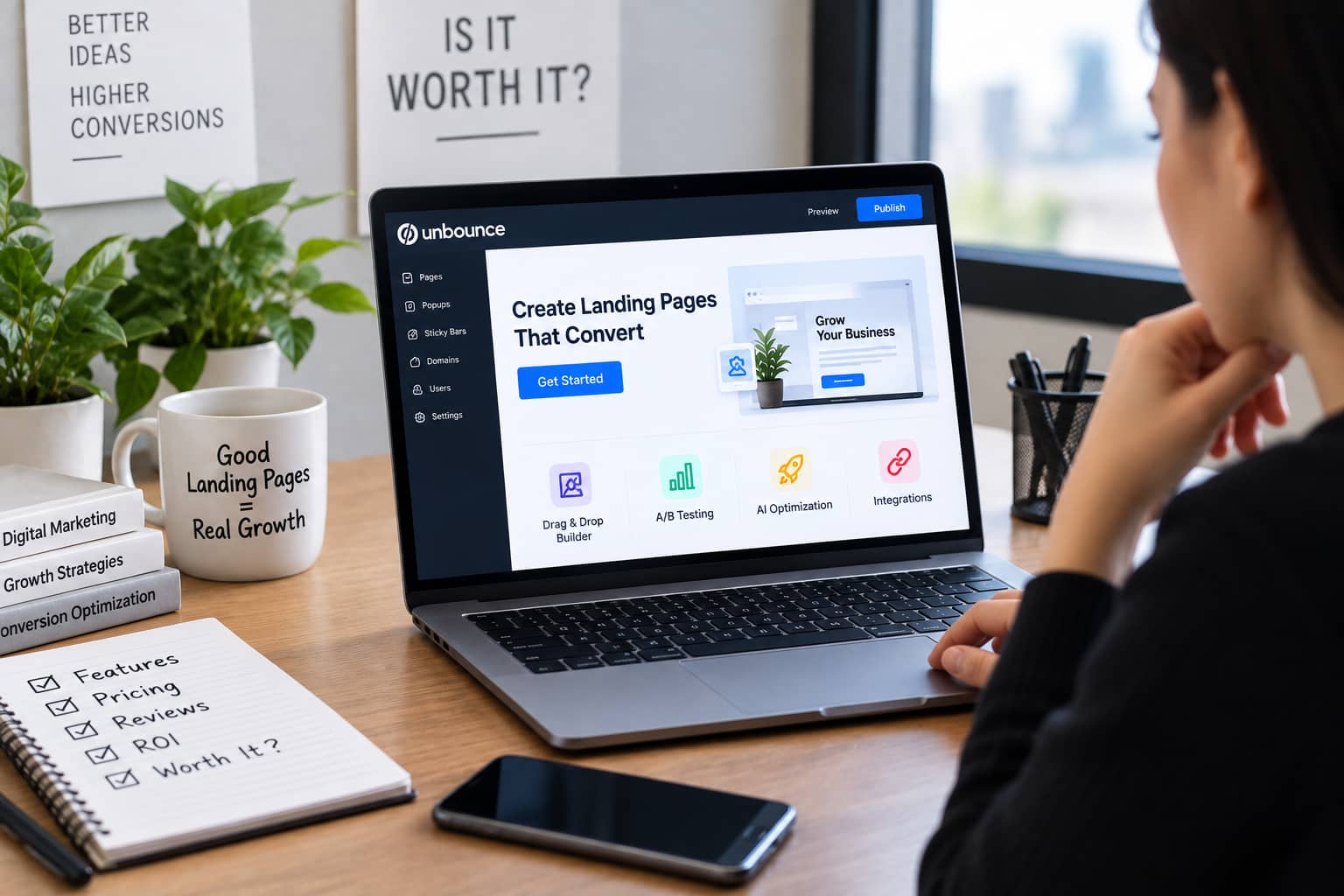
So, is Unbounce worth it?
For marketers who depend on landing pages for lead generation, advertising, and conversion optimization, Unbounce can be a strong investment.
Its biggest strengths are not simply the drag-and-drop builder. The real value comes from combining page creation with A/B testing, conversion tracking, AI optimization, dynamic personalization, and integrations.
The platform also continues to add AI-focused capabilities, giving marketers more ways to create and optimize landing pages.
However, the price means it isn’t necessarily the right solution for everyone.
If you’re only looking for a basic landing page builder, there are simpler and potentially cheaper alternatives. But if you’re serious about testing landing pages and improving conversion performance, Unbounce deserves consideration.
Final Verdict: Unbounce Review
Unbounce is more than a traditional landing page builder. It combines landing page creation, A/B testing, AI optimization, conversion tracking, personalization, and marketing integrations in one platform.
Its drag-and-drop editor makes page creation accessible, while features such as Smart Traffic and A/B testing give experienced marketers tools to continuously improve campaign performance.
The main drawback is pricing. Unbounce can be costly compared with simpler page-building solutions, particularly for small businesses that don’t generate enough leads or sales to justify the subscription.
Our verdict: Unbounce is worth considering if conversion optimization is a major part of your marketing strategy. For businesses running paid campaigns, lead-generation funnels, or multiple landing page experiments, its advanced testing and optimization features can make it a valuable addition to the marketing stack.
If your primary goal is simply to create a basic landing page at the lowest possible cost, however, Unbounce may be more platform than you need.
Frequently Asked Questions
Is Unbounce good for beginners?
Yes. Its drag-and-drop builder and templates allow beginners to create landing pages without advanced coding knowledge. More advanced customization is also available for experienced users.
Does Unbounce offer a free trial?
Yes. Unbounce offers a free trial, allowing potential customers to test the platform before committing to a paid plan.
Does Unbounce have A/B testing?
Yes. Unbounce provides A/B testing capabilities, allowing marketers to compare different landing page variations and identify which versions perform better.
What is Unbounce Smart Traffic?
Smart Traffic is Unbounce’s AI-powered optimization system that automatically routes visitors toward landing page variants where they are more likely to convert.
Can I use my own domain with Unbounce?
Yes. Unbounce supports publishing landing pages to custom domains and URLs.
Does Unbounce integrate with other marketing tools?
Yes. Unbounce supports integrations and connections with various marketing tools, including CRM, analytics, email marketing, automation, Zapier, and webhooks.
Is Unbounce worth the money?
It depends on your needs. Businesses that actively run landing-page campaigns and need A/B testing, conversion tracking, and AI optimization may find the platform worthwhile. Businesses that only need basic landing pages may prefer a cheaper alternative.