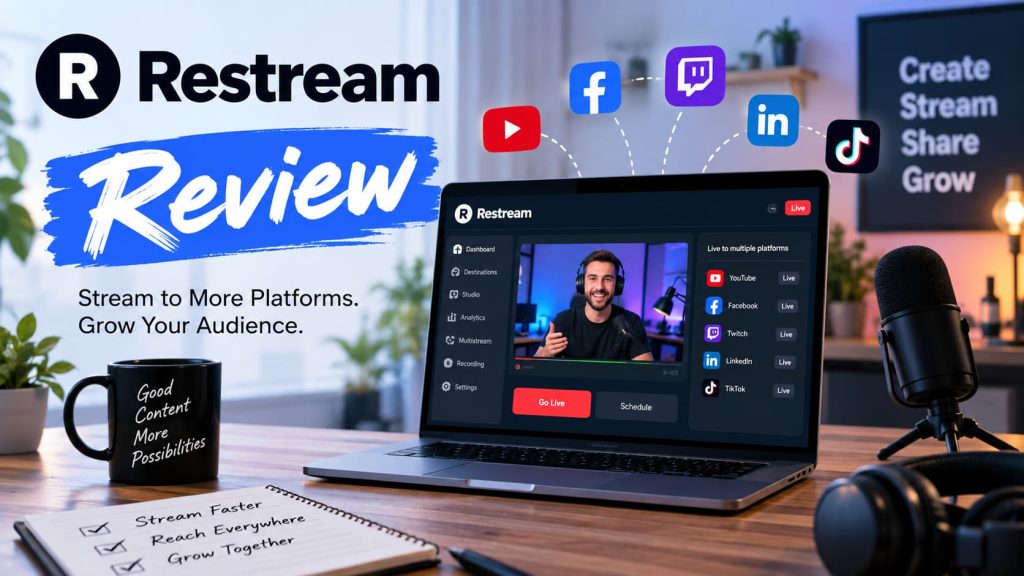
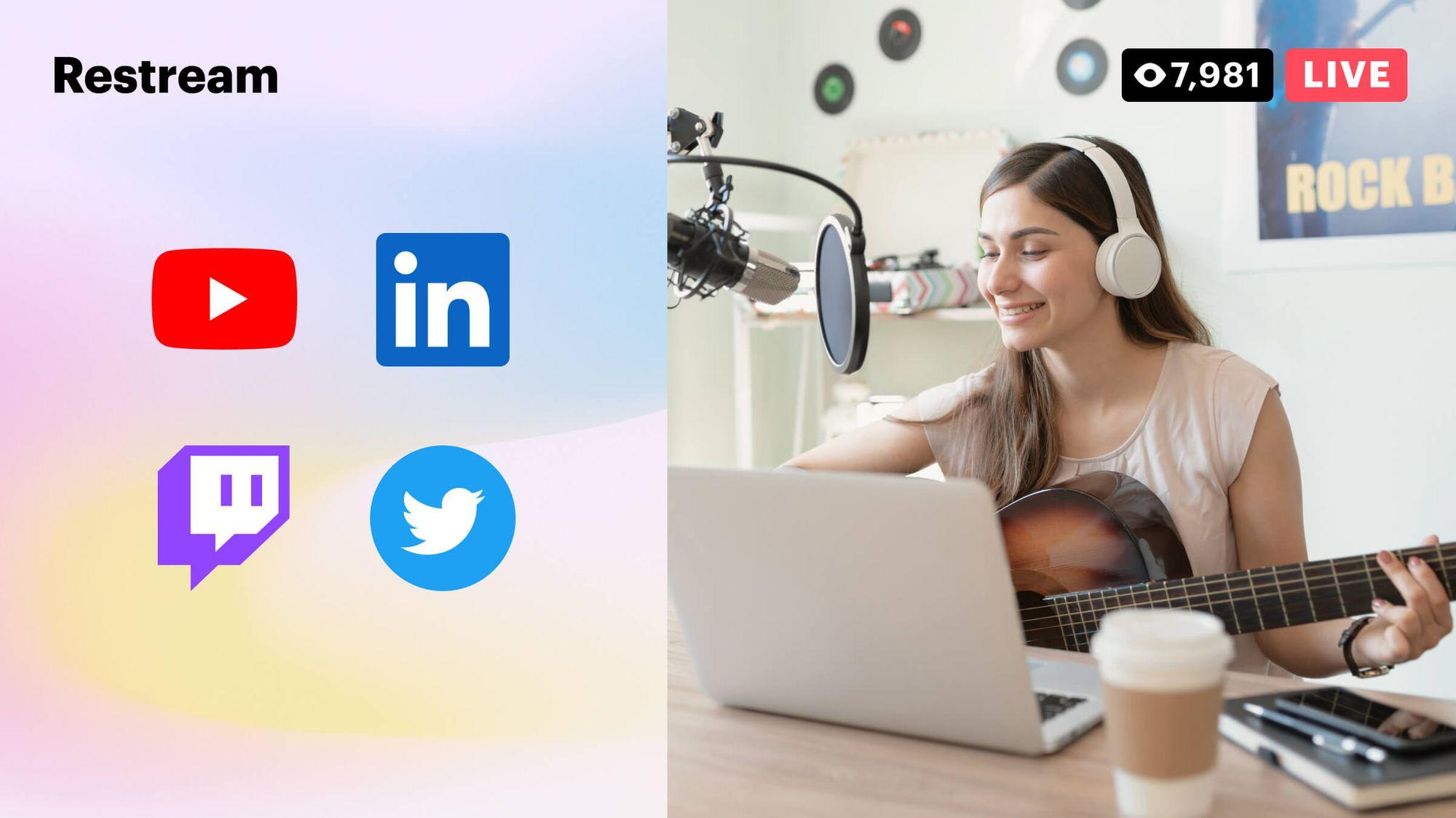
If you want to reach audiences on multiple platforms without setting up separate live streams for each one, Restream is one of the better-known tools for the job. It allows creators, businesses, podcasters, gamers, marketers, and event teams to broadcast one live stream to multiple destinations at the same time.
But is Restream actually worth using? In this Restream review, we look at its features, pricing, ease of use, advantages, limitations, and what customers say about the platform.
What Is Restream?
Restream is a live-streaming platform designed to help users create and distribute live video across multiple channels. Instead of streaming separately to YouTube, Facebook, Twitch, and other platforms, users can connect their accounts to Restream and broadcast from one place.
According to Restream, its platform supports 30+ destinations and is used by more than 10 million creators and 100,000 businesses.
Restream offers several tools, including:
-
- Multistreaming
- Restream Studio
- Cross-platform chat
- Stream analytics
- Cloud recordings
- Upload & Stream
- Live stream scheduling
- Custom branding
- Guest streaming
- Clips
- Team collaboration tools
This makes Restream more than just a multistreaming service. It can also function as a browser-based live production and content distribution platform.
How Does Restream Work?
Restream is designed to simplify the live-streaming process.
First, you create a Restream account and connect the platforms where you want to broadcast. You can then either use Restream Studio directly from your browser or connect Restream to third-party streaming software such as OBS.
Once your stream is ready, Restream distributes the video to your selected destinations simultaneously. This means you don’t have to create separate streams for every platform.
One advantage is that Restream’s servers handle the distribution, so multistreaming doesn’t require you to upload the same video separately to every destination. Restream says that streaming to multiple channels uses the same bandwidth on your side because its servers replicate the stream.
Restream Features

Multistreaming
Multistreaming is the main reason people use Restream.
You can broadcast one live stream to multiple platforms simultaneously instead of managing each stream individually. Restream currently supports streaming to more than 30 destinations, depending on your setup and plan.
This can be particularly useful for creators who have audiences spread across YouTube, Twitch, Facebook, and other platforms.
Restream Studio
Restream Studio allows you to go live directly from your browser without needing complicated broadcasting software.
You can bring guests into your stream, add graphics and overlays, customize layouts, and manage your production from one interface.
The available video quality depends on your plan. Higher-tier plans support Full HD 1080p through Studio.
Cross-Platform Chat
Managing comments across multiple platforms can become difficult when you’re streaming to several channels.
Restream’s chat feature brings messages from connected platforms into one place, allowing streamers to monitor and respond to viewers without constantly switching between different websites or applications.
Stream Analytics
Restream also provides analytics that can help users understand how their streams perform.
Depending on the connected platforms and plan, users can view information such as viewers, engagement, chat activity, and other stream metrics.
These insights can be useful for creators who want to determine which platforms and types of content generate the strongest audience response.
Upload & Stream
Restream isn’t limited to live broadcasts.
Its Upload & Stream feature lets users upload pre-recorded videos and broadcast them as live content. This can be useful for webinars, presentations, announcements, educational content, and other situations where going live isn’t practical.
Cloud Recordings
Restream can also save recordings of streams in the cloud. This gives creators an additional way to reuse their content after a broadcast.
Recording limits and storage availability depend on the subscription plan.
Guest Streaming
If you host interviews, podcasts, webinars, or panel discussions, Restream allows you to bring guests into your live production.
The platform supports multiple participants, with higher plans offering increased capabilities.
Restream Pricing
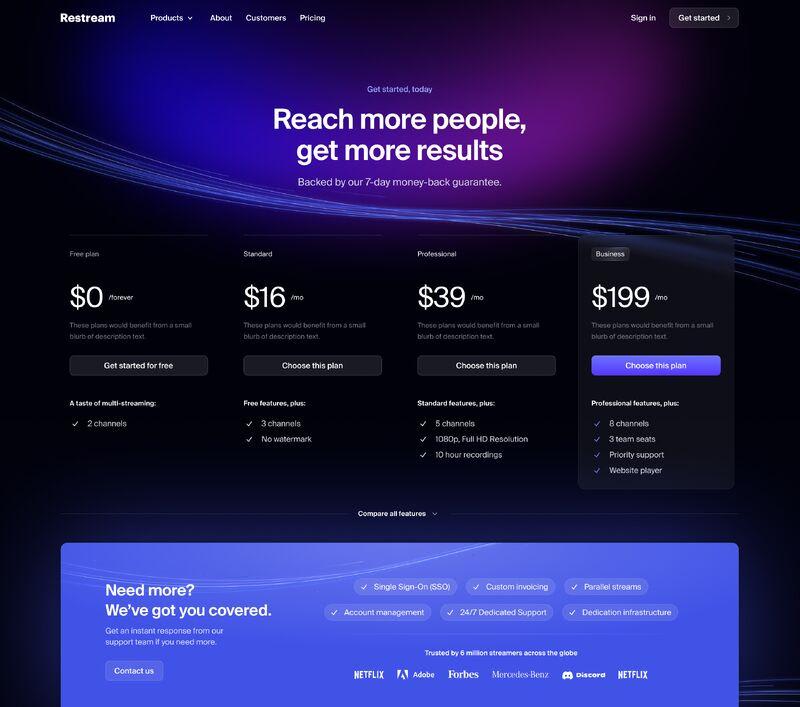
Restream offers both free and paid plans.
As of the current pricing information, the main Creator plans are:
| Plan | Price | Simultaneous Channels |
|---|---|---|
| Free | $0 | 2 |
| Standard | $19/month | 3 |
| Professional | $49/month | 5 |
| Business | $239/month | 8 |
| Enterprise | Custom | Custom |
Prices can vary depending on billing options and additional features. Restream also offers annual billing that can reduce the effective monthly price.
Is Restream Free?
Yes. Restream has a free plan that allows users to multistream to two channels.
The free plan also includes features such as browser-based streaming in HD, third-party software integrations, multistream chat, analytics, and stream scheduling. However, free streams include Restream branding.
If you need more simultaneous channels, custom destinations, Full HD Studio streaming, additional recording capabilities, or more advanced features, you’ll generally need a paid plan.
Is Restream Easy to Use?
One of Restream’s biggest advantages is its relatively simple setup.
Instead of configuring multiple streaming connections individually, users can connect their accounts to Restream and manage their destinations from a central dashboard.
The browser-based Studio is also helpful for beginners who don’t want to learn complicated broadcasting software.
More experienced streamers can continue using tools such as OBS while using Restream to handle distribution, chat, and analytics.
Overall, Restream is suitable for both beginners and experienced creators, although advanced users may still prefer combining it with dedicated production software.
Restream Reviews: What Are Customers Saying?
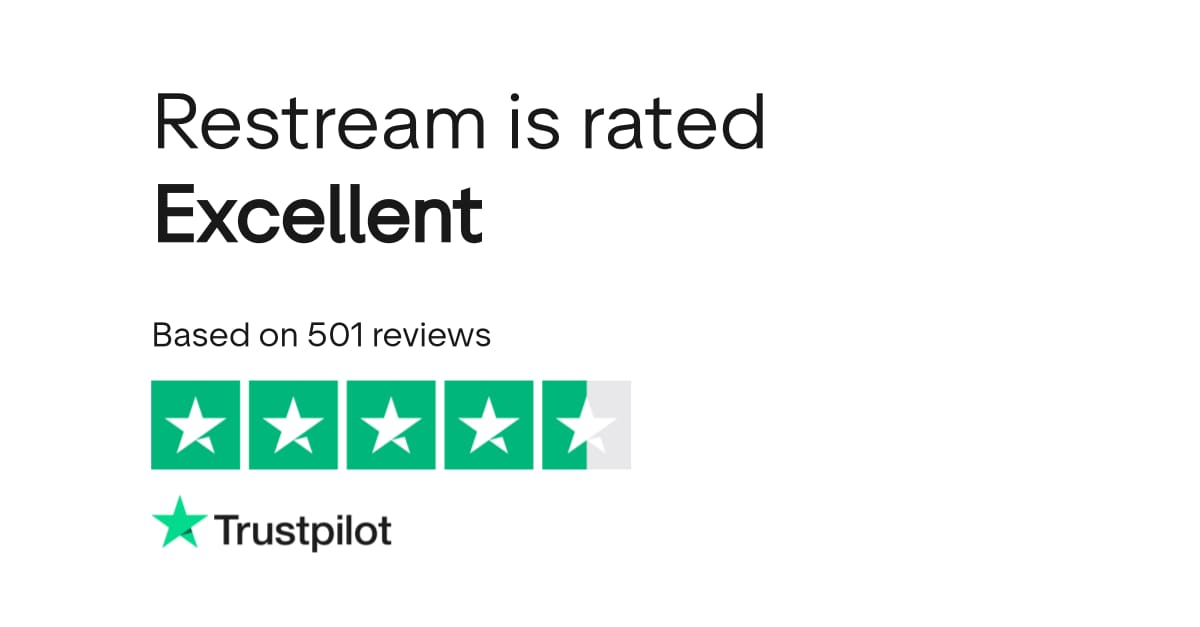
Customer opinions about Restream are generally centered around its convenience, multistreaming capabilities, and ease of setup.
Some users appreciate being able to broadcast to several platforms from a single workflow. Restream’s website also features customer feedback praising its simplicity, platform support, analytics, and ability to streamline streaming workflows.
Common positive points include:
-
- Easy multistreaming setup
- Support for multiple streaming platforms
- Convenient centralized chat
- Useful analytics
- Browser-based streaming
- Integration with popular streaming software
- Helpful tools for podcasts and interviews
However, Restream isn’t perfect for every user.
Some creators may find the free plan restrictive because of the branding and two-channel limit. Users who need more destinations or advanced production capabilities may need to upgrade to a paid subscription.
The higher-priced plans can also become expensive for individuals who only stream occasionally.
Pros and Cons of Restream
Pros
-
- Stream to multiple platforms simultaneously
- Free plan available
- Supports 30+ destinations
- Browser-based Restream Studio
- Works with streaming software such as OBS
- Centralized chat management
- Stream analytics
- Cloud recordings
- Guest streaming
- Custom RTMP destinations on eligible plans
- Useful for creators, businesses, podcasts, webinars, and events
Cons
-
- Free streams include Restream branding
- Free plan is limited to two channels
- More destinations require paid plans
- Advanced features can become expensive
- Some features are restricted to higher-tier plans
- Users with very simple streaming needs may not need all of its tools
Who Is Restream Best For?
Restream can be a good option for several types of users.
Content Creators
Creators who want to grow their audience across multiple platforms can use Restream to reach viewers in different communities without running separate broadcasts.
Podcasters
Video podcasters can use Restream to distribute interviews and discussions across several platforms while managing guests and audience comments from one place.
Businesses
Companies can use Restream for product launches, webinars, announcements, training sessions, and other live events.
Gamers
Gamers who want to reach audiences on multiple streaming platforms can benefit from Restream’s multistreaming capabilities.
Event Organizers
For larger broadcasts, Restream offers features such as team collaboration, website streaming, analytics, and backup capabilities on suitable plans.
Is Restream Worth It?
For users who regularly stream to multiple platforms, Restream can be worth it because it combines multistreaming, chat, analytics, browser-based production, recording, and other tools in one platform.
The free plan is a good way to test the service if you only need two destinations and don’t mind Restream branding.
For professional creators and businesses, the value depends on how many platforms you need to reach and which advanced features you require. If you regularly host podcasts, webinars, interviews, gaming streams, or business broadcasts, the time saved by managing multiple destinations from one dashboard can make the subscription worthwhile.
However, if you only stream to one platform occasionally, paying for a multistreaming service may not provide enough additional value.
Final Verdict: Restream Review
Restream is a capable live-streaming platform that focuses on making multistreaming easier.
Its biggest strength is the ability to distribute one stream across multiple destinations while also providing tools for chat, analytics, guests, recording, and live production.
The free plan makes it easy to try, while paid plans provide more channels and advanced features.
Overall, Restream is a strong choice for creators, podcasters, gamers, marketers, and businesses that want to reach audiences across multiple platforms without managing completely separate streams.
If your main goal is to stream to several destinations at once and simplify your workflow, Restream is certainly worth considering.