Choosing a VPN can be difficult when dozens of services promise better privacy, faster connections, and access to content from around the world. Surfshark has become a well-known option by combining VPN protection with additional security and privacy tools. But what do Surfshark reviews actually say about its performance, features, pricing, and everyday usability?
This Surfshark review looks at the service from several angles, including security, connection speeds, server coverage, streaming, device support, customer service, pricing, and additional features. The goal is to provide a practical overview of what users should consider before choosing Surfshark.
What Is Surfshark?
Surfshark is a VPN and online security service designed to encrypt internet traffic, hide IP addresses, and provide private connections across supported devices. The service offers thousands of servers across numerous countries and supports unlimited simultaneous device connections with its VPN subscription.
Surfshark is available across major platforms, including Windows, macOS, Linux, Android, and iOS. It also offers browser extensions and router support, allowing users to protect different types of devices.
For households with several connected devices, unlimited simultaneous connections are one of Surfshark’s notable features. Instead of choosing which devices receive VPN protection, users can connect multiple personal and household devices under the same subscription.
Surfshark Reviews: Security and Privacy
Security is one of the main reasons people use VPN services, and Surfshark includes several features designed around online privacy and protection.
Surfshark supports modern VPN protocols, including WireGuard, OpenVPN, IKEv2, and its newer Dausos protocol. The available protocol can influence connection speed, compatibility, and performance depending on the user’s device and network.
Another useful feature is the VPN kill switch. If the encrypted VPN connection unexpectedly drops, the kill switch can prevent internet traffic from continuing outside the VPN connection.
Surfshark also uses RAM-only server infrastructure and has stated that its no-logs policy has undergone independent verification. The company has also commissioned security assessments of its applications and infrastructure.
Independent audits can be useful when evaluating VPN privacy claims because they provide an additional level of external examination rather than relying entirely on statements made by the VPN provider.
However, users should always review the latest privacy policy and terms before subscribing because VPN policies, features, and infrastructure can change over time.
How Fast Is Surfshark?
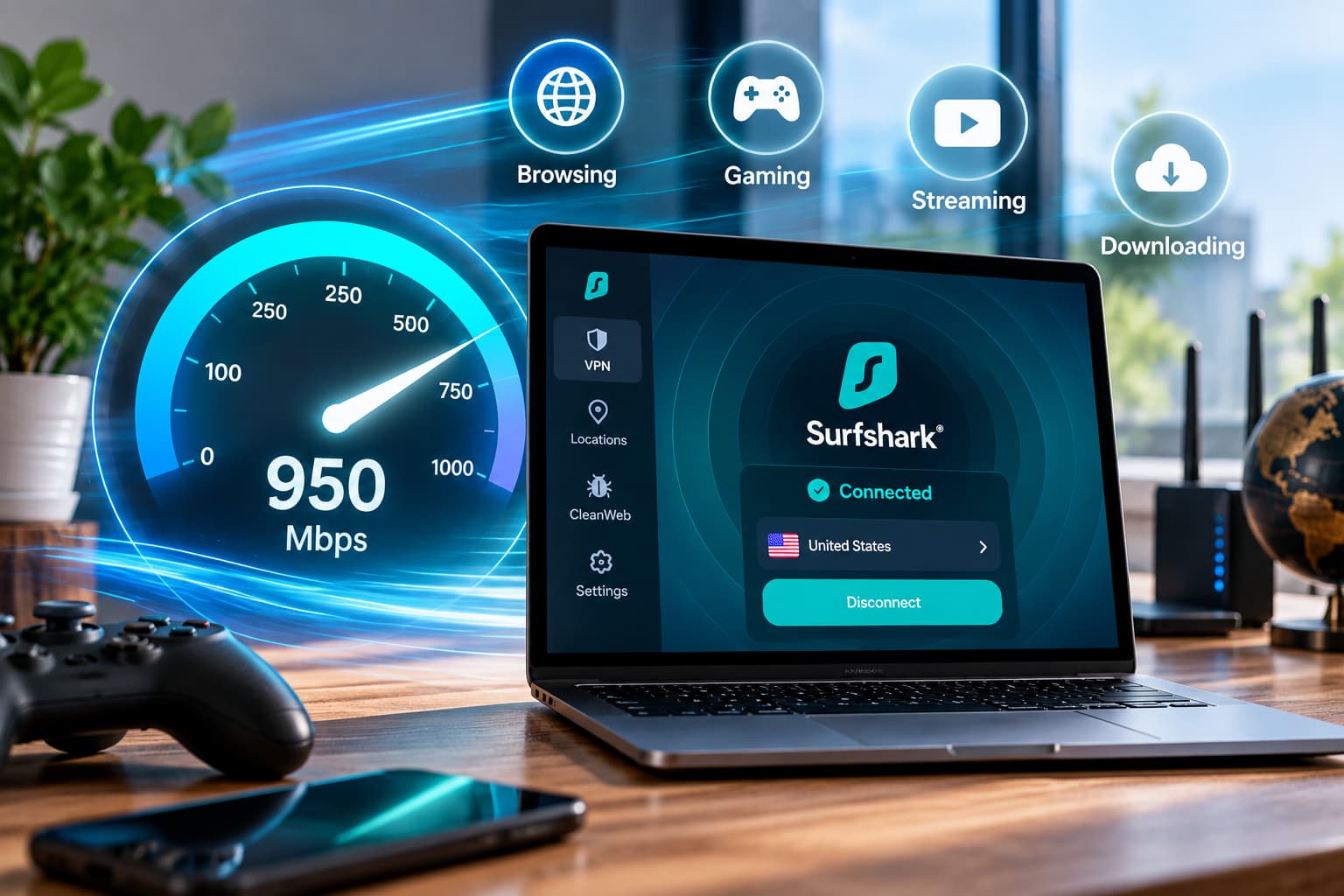
Speed is another important factor in Surfshark reviews.
Using a VPN can reduce internet speeds because traffic is routed through an encrypted server. The actual effect depends on factors such as the VPN protocol, server distance, network congestion, and the user’s original internet connection.
Surfshark supports WireGuard, which is designed to provide a combination of speed and security. Its newer Dausos protocol is also designed around modern performance and security requirements.
For everyday activities such as browsing, video calls, downloading files, and streaming, connection stability can be more important than achieving the highest possible benchmark speed.
Users who connect to servers geographically closer to their actual location may often experience lower latency than those connecting to distant servers. However, individual results can vary depending on network conditions.
Surfshark Server Network
Surfshark operates a large international server network covering many countries and regions around the world.
A broad server network can be useful for travelers, remote workers, and users who frequently connect to the internet from different locations.
Server availability can also influence performance. Connecting to a nearby server may provide better latency, while a more distant server may be useful when a user specifically needs an IP address from another country.
Surfshark also provides unlimited simultaneous connections, making its server network particularly relevant for people using several computers, smartphones, tablets, smart TVs, and other supported devices.
Surfshark for Streaming

Streaming is frequently mentioned when people search for Surfshark reviews.
A VPN can create an encrypted connection and provide an IP address associated with the selected VPN server. This can be useful when traveling or when online services provide different content availability in different regions.
Surfshark markets its VPN for streaming and supports applications across several platforms. However, streaming services regularly update their VPN detection systems. As a result, access to specific services or regional content can change over time.
Users should therefore avoid assuming that every streaming platform or regional library will always work through a VPN.
For regular streaming, connection stability and bandwidth are also important. A reliable VPN connection can help users enjoy high-resolution video without unnecessary interruptions when the underlying internet connection is fast enough.
Surfshark Apps and Ease of Use
Surfshark’s applications are designed to make VPN usage accessible to people without extensive technical knowledge.
The main interface focuses on connecting to a VPN server, while additional settings provide access to features such as VPN protocols, kill switch controls, and split tunneling.
Surfshark’s Bypasser feature allows users to select applications or websites that should bypass the VPN connection. This can be useful when a particular website or application works better through the regular internet connection.
The service also provides browser extensions for supported browsers, giving users another way to manage VPN protection while browsing.
For beginners, a straightforward interface can make setting up and using a VPN easier than services that require extensive manual configuration.
Surfshark CleanWeb and Extra Privacy Tools
Surfshark offers several features beyond basic VPN protection.
CleanWeb is designed to block advertisements, trackers, malware, and phishing attempts. This can provide an additional layer of protection while browsing websites and using supported applications.
Surfshark also offers Alternative ID, which can create an alternative online identity and email address for certain online registrations.
Higher subscription plans provide additional services such as Surfshark Alert, Search, Antivirus, and Incogni data removal.
These tools may appeal to users who want several privacy and security features within one subscription instead of purchasing separate services.
However, not every feature is included with the basic VPN plan. Customers should carefully check the features included with their selected subscription before making a purchase.
Surfshark Pricing and Plans
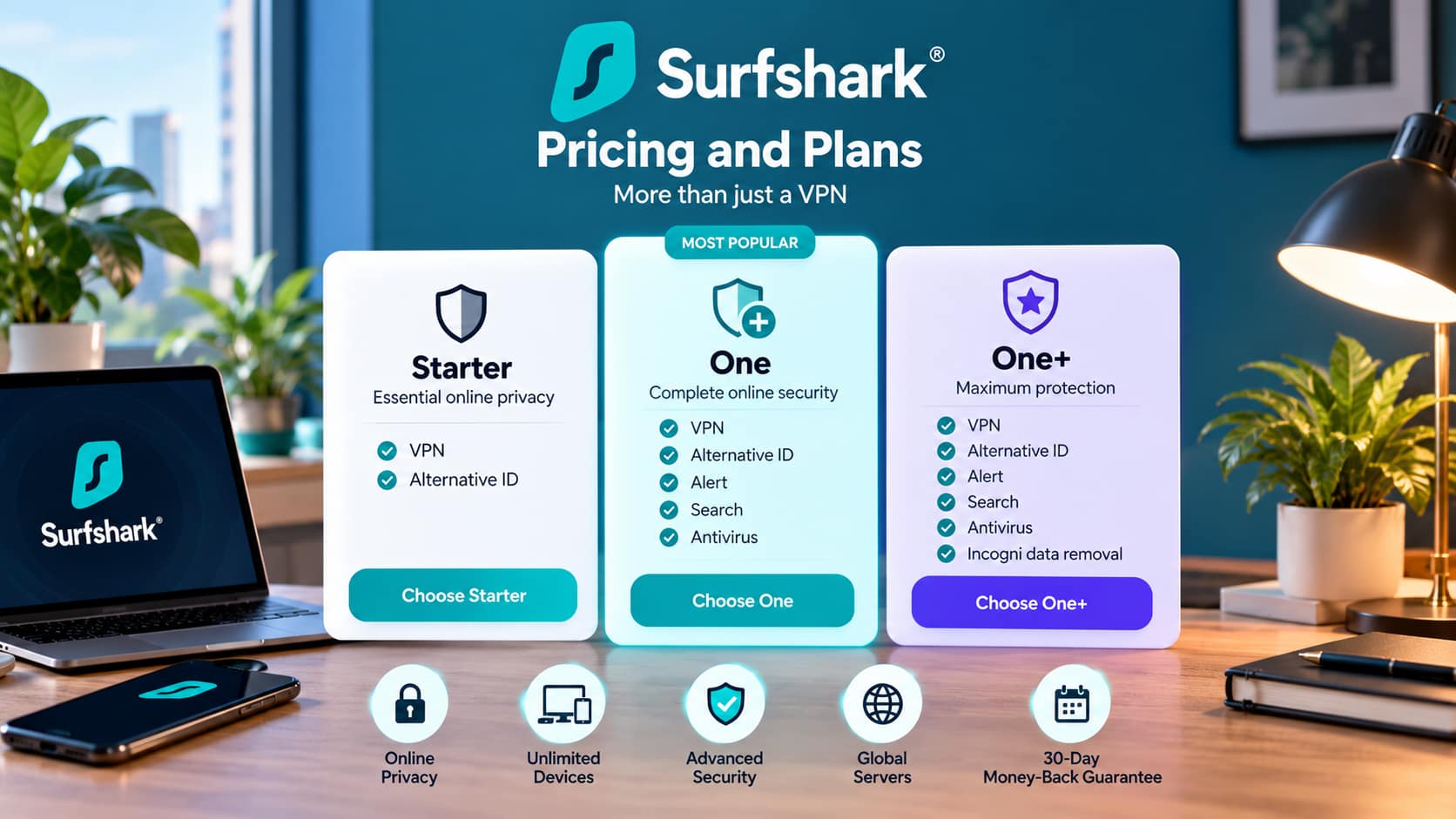
Surfshark offers several subscription options designed around different levels of privacy and security features.
The main plans include Starter, One, and One+.
The Starter plan focuses on VPN protection and Alternative ID. The One plan adds additional security and privacy tools such as Alert, Search, and Antivirus. The One+ plan includes additional features and data removal services.
Surfshark generally offers different prices depending on the subscription period. Long-term plans are usually promoted at a lower monthly equivalent than short-term subscriptions, although promotional pricing and renewal rates can change.
The service also provides a 30-day money-back guarantee under its applicable terms. This gives new users an opportunity to try the service while retaining the option of requesting a refund during the eligible period.
Before subscribing, users should check the total checkout price, renewal price, subscription duration, and included features.
Surfshark Customer Support
Customer support can become important when VPN users experience problems with installation, payments, connections, or device compatibility.
Surfshark provides customer support and an online help center covering common setup and troubleshooting topics.
Support resources can help users find information about installing applications, changing VPN protocols, managing accounts, troubleshooting connections, and using different features.
Live customer assistance can also be useful for problems that cannot be solved through standard guides.
The quality of a support experience can vary depending on the specific issue and circumstances, so customer experiences may differ.
Surfshark Pros and Cons
Before choosing a VPN, it is useful to consider both the advantages and limitations.
Pros
-
- Unlimited simultaneous device connections
- Large international server network
- Support for modern VPN protocols
- VPN kill switch
- Split tunneling
- CleanWeb browsing protection
- No-logs policy with independent assessment
- Applications for major operating systems
- Browser extensions
- 30-day money-back guarantee
- Additional privacy and security products
Cons
-
- Monthly pricing can be significantly higher than long-term promotional pricing
- Some advanced security features require higher subscription plans
- VPN performance can vary depending on location and network conditions
- Streaming availability can change as platforms update their VPN detection systems
- Some server locations may use virtual infrastructure
How Does Surfshark Compare With Other VPNs?
Surfshark competes with several established VPN providers, including NordVPN, ExpressVPN, Proton VPN, CyberGhost, and Private Internet Access.
Different VPN providers emphasize different features. Some focus heavily on server coverage, while others emphasize privacy technology, specialized servers, streaming support, or pricing.
Surfshark’s unlimited simultaneous connections can be particularly useful for users with many devices. Other providers may limit the number of devices that can be connected at the same time.
Server locations also differ between providers. Someone who needs a VPN server in a specific country should check the provider’s current server list before subscribing.
Pricing is another area where comparisons can become complicated because providers frequently offer different discounts for monthly, annual, and multi-year subscriptions.
Rather than focusing only on the number of servers or the lowest advertised monthly price, users should compare the features that are most important for their own requirements.
Is Surfshark Worth Considering?
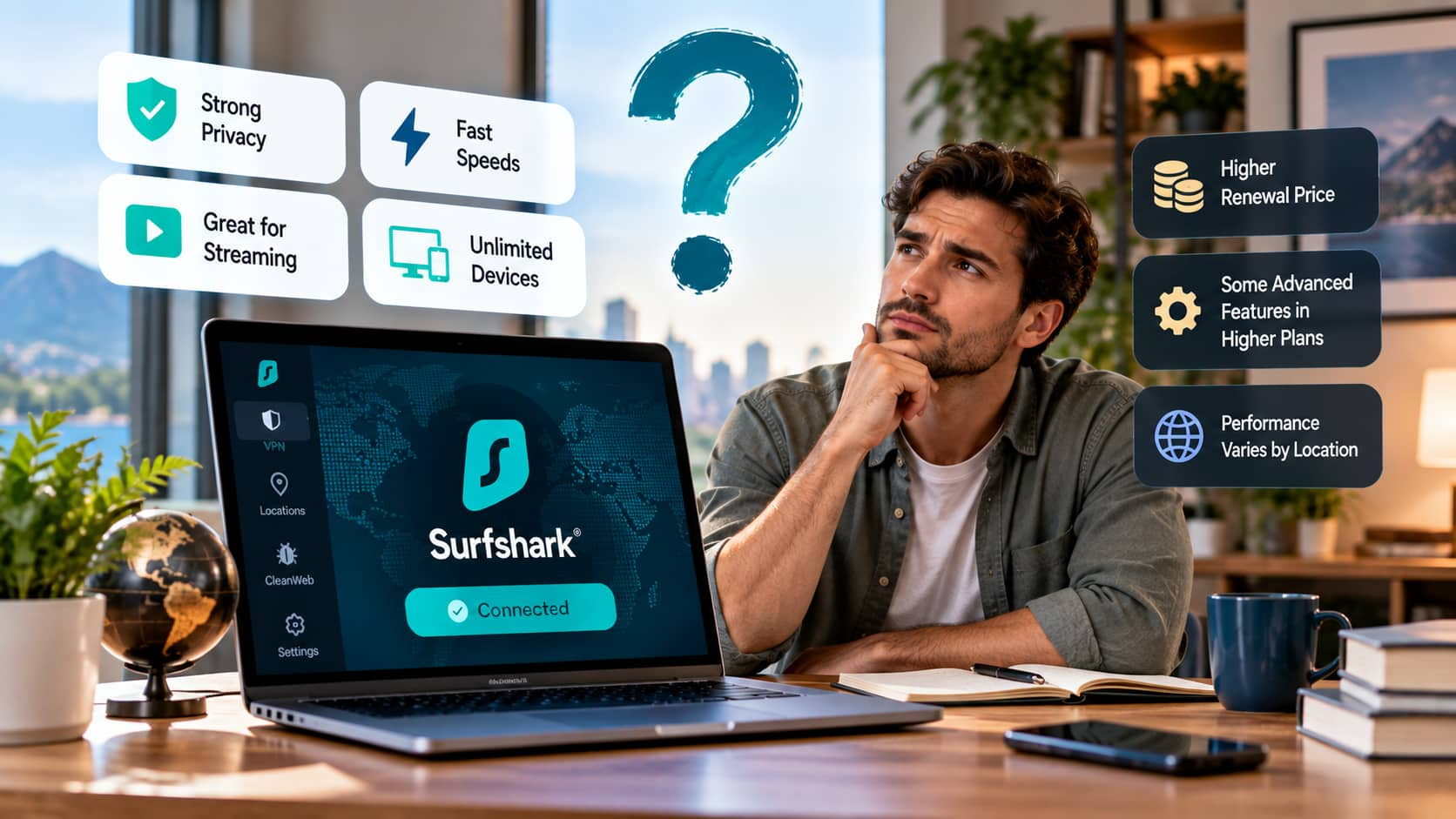
Surfshark combines VPN protection with a range of privacy and security features. Its unlimited simultaneous connections, international server network, modern VPN protocols, kill switch, split tunneling, and additional security tools make it suitable for users who want more than basic IP address masking.
The service can also be useful for households with multiple devices because one subscription can support numerous simultaneous connections.
At the same time, users should consider the complete subscription cost, renewal terms, included features, server locations, platform compatibility, and privacy policies before purchasing. VPN performance can also vary according to location, internet provider, device, and network conditions.
Final Thoughts
Surfshark offers a combination of VPN privacy, security features, broad server coverage, and support for multiple devices. Features such as unlimited simultaneous connections, a kill switch, modern VPN protocols, split tunneling, and CleanWeb give users several tools for managing their online privacy and security.
The service also provides additional products for users who want features such as identity protection, antivirus tools, private search, and data removal. Its apps are designed for everyday users, while more advanced settings give experienced VPN users greater control over their connections.
However, users should look beyond promotional pricing when comparing VPN services. Subscription length, renewal costs, available server locations, supported devices, privacy policies, and included features are all important factors to consider.
For anyone researching Surfshark reviews, the service provides a broad VPN package focused on privacy, security, speed, and ease of use. Checking the latest plans and comparing the available features with other VPN providers can help users determine whether Surfshark matches their specific browsing, privacy, security, and streaming requirements.