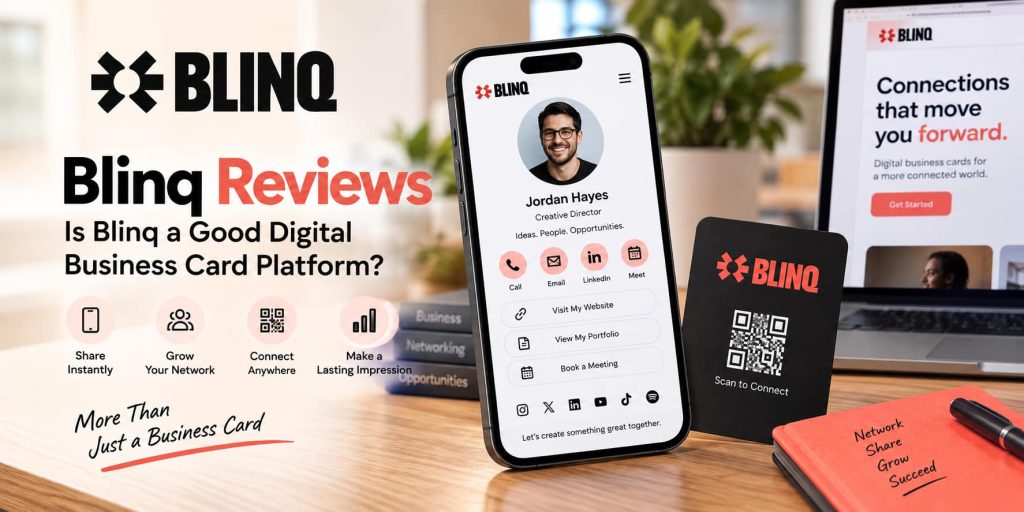
Digital business cards have become a practical alternative to traditional printed cards, especially for professionals who attend networking events, meet clients regularly, or want to keep their contact information updated in one place. Blinq is one platform built around this idea, offering digital business cards, contact sharing, lead capture, contact enrichment, and tools for teams.
In this Blinq review, we look at its features, pricing, ease of use, customer feedback, advantages, limitations, and the types of users who may find the platform useful.
What Is Blinq?
Blinq is a digital business card and networking platform that allows users to create a professional profile and share their contact details digitally. Instead of printing new cards whenever information changes, users can maintain one online card and share it through QR codes, links, email, SMS, widgets, and digital wallets.
The platform is designed for both individuals and businesses. Individual users can create digital business cards for networking, while teams can use centralized administration, branding controls, lead capture, CRM integrations, and other business-focused features.
One of the biggest attractions is that Blinq offers a free plan rather than requiring users to begin with a paid subscription.
How Does Blinq Work?
Getting started with Blinq is relatively straightforward. Users create an account, build their digital business card, add professional information, and then choose how they want to share it.
A card can include details such as:
-
- Name and job title
- Company information
- Phone and email
- Social media profiles
- Website links
- Professional photographs
- Other contact information
- Booking or networking links
Once the card is ready, it can be shared digitally instead of handing someone a physical card.
Blinq supports QR-code sharing, email, SMS, widgets, and Apple or Google Wallet integration. This makes it possible to keep a digital card accessible from a smartphone while networking.
What Features Does Blinq Offer?
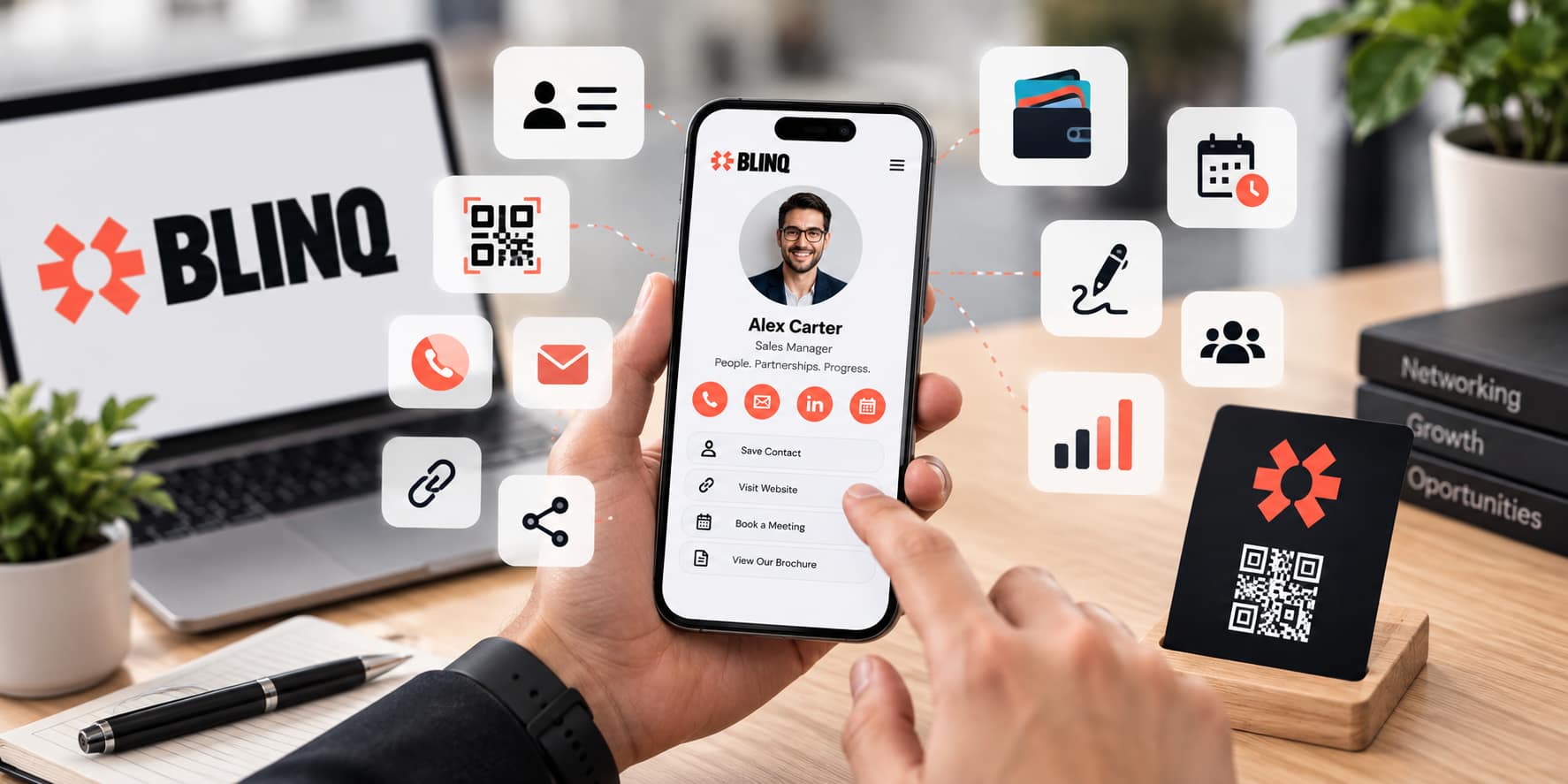
Blinq combines basic digital business card functionality with additional networking and lead-management tools.
Digital Business Cards
The main feature is the digital business card itself. Users can create a professional profile and share it without printing anything.
The free version provides up to two digital business cards and unlimited sharing. This can be useful for people who want separate cards for different professional roles or situations.
Premium users can create up to five cards and receive additional customization options.
QR Code Sharing
QR codes make exchanging information at events simple. Rather than typing an email address or phone number, another person can scan the code and access the user’s digital card.
Premium subscribers can also create branded QR codes, which can be useful for professionals and businesses that want their visual identity represented consistently.
Apple and Google Wallet
Blinq cards can be added to digital wallets, making them easier to access from a smartphone. This is particularly useful at conferences, meetings, trade shows, and other situations where quick sharing is important.
Email Signatures
Another useful feature is the personal email signature. Instead of treating the business card as something used only during face-to-face meetings, users can incorporate their Blinq identity into everyday email communication.
This gives recipients another convenient way to view professional information without requiring a separate message containing contact details.
Contact Enrichment
Blinq also provides contact enrichment features. The platform can add information to contacts, including details such as email addresses, job titles, company information, LinkedIn profiles, and profile photographs.
Premium users receive access to deeper enrichment features, including additional contact information and sources.
Universal Contact Scanner
Premium users receive a universal contact scanner that can capture information from business cards, event badges, QR codes, and LinkedIn QR codes.
For professionals attending conferences or networking events, this can reduce the need to manually type information into a contact list.
AI Notetaker
Blinq Premium also includes an AI Notetaker. The feature is designed to record and summarize conversations and attach those notes to a contact.
This is aimed at the follow-up side of networking. Instead of simply collecting someone’s contact details, users can keep additional context about the conversation.
Blinq for Businesses and Teams
Blinq is not limited to individual professionals. Its Business offering is designed for organizations that need to manage digital business cards across multiple employees.
Business features include:
-
- Team digital business cards
- Centralized administration
- Branding controls
- Custom lead capture forms
- AI contact enrichment
- CRM integrations
- Corporate contact books
- Team management
- Controlled templates
- Email signature management
Blinq Business uses per-user pricing, with discounts available for annual billing. Larger organizations can also explore enterprise options with customized requirements.
This structure makes the platform relevant not only to freelancers and individual professionals but also to sales teams, agencies, recruiters, consultants, event teams, and companies with large networking operations.
Blinq Pricing: Is There a Free Plan?
One of the most important points in Blinq reviews is its pricing structure.
Blinq offers a Free plan that includes two digital business cards, unlimited sharing, unlimited contact creation, QR-code sharing, email and SMS sharing, wallet support, email signatures, and virtual backgrounds.
The Premium plan adds additional capabilities such as more digital cards, contact scanning, AI Notetaker, advanced contact enrichment, branded QR codes, customization, and contact export.
For teams, Blinq Business provides additional administration, branding, lead capture, and integration features.
The availability and pricing of individual features can change over time, so users should check the latest plan information before subscribing.
What Do Customers Say in Blinq Reviews?
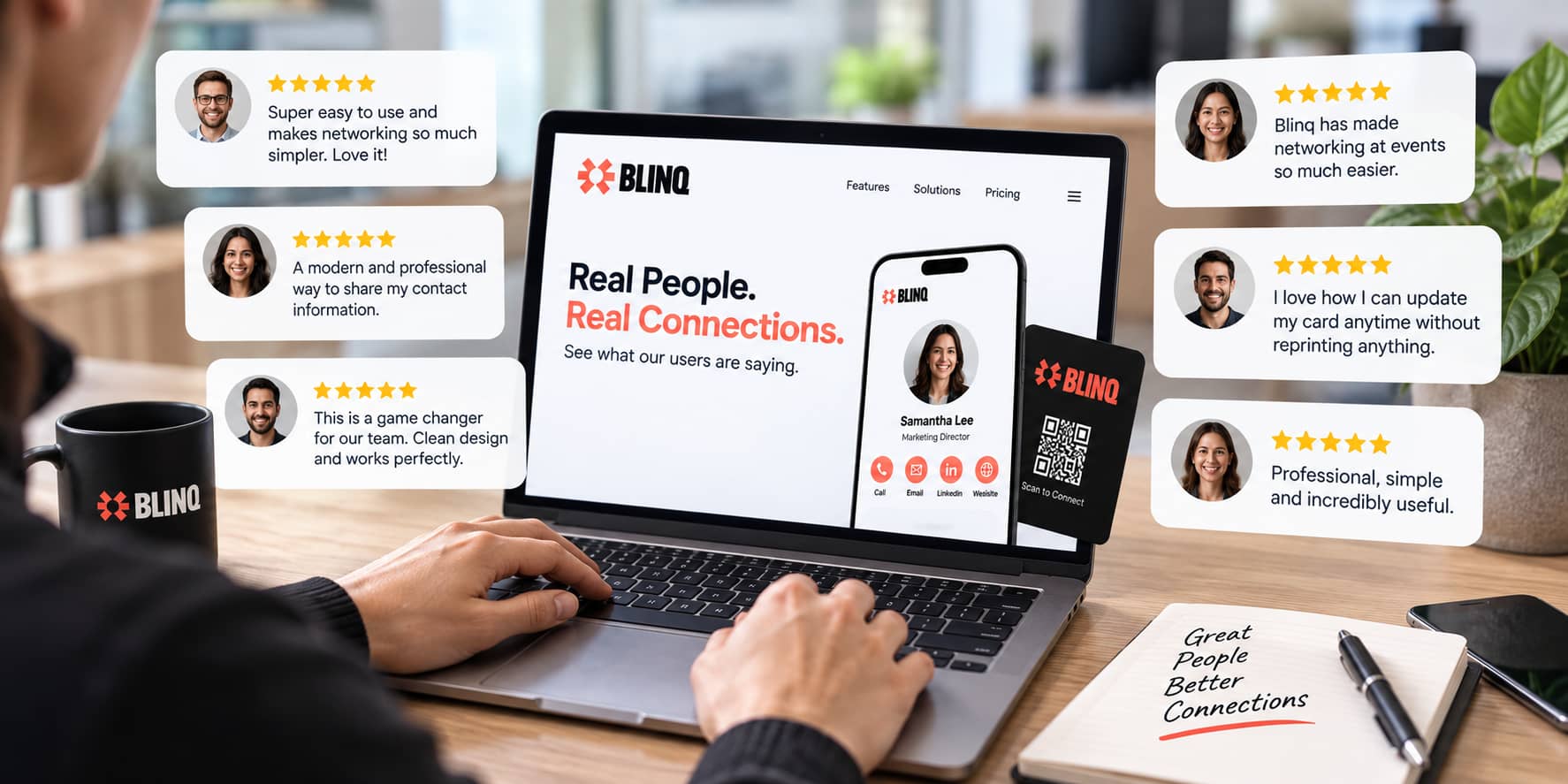
Customer feedback about Blinq is generally positive across several major review platforms.
Reviews frequently mention the convenience of QR-code sharing, the simple interface, and the ability to share a digital card through different channels.
Many users appreciate not having to carry printed business cards or manually type contact information after networking events. The ability to update a digital profile without printing new cards is another commonly appreciated benefit.
Some reviews also mention the usefulness of contact management and scanning features, particularly for people who attend conferences and professional events.
As with any review platform, customer experiences can vary. Some users have reported occasional technical problems or difficulties with specific features, so prospective customers should consider both positive and critical feedback when evaluating the service.
Pros and Cons of Blinq
Pros
-
- Free plan available
- Two digital business cards on the free plan
- Unlimited card sharing
- QR-code sharing
- Apple and Google Wallet support
- Email and SMS sharing
- Contact enrichment
- AI Notetaker on Premium
- Contact scanning
- Team management features
- CRM integrations for business users
- Custom branding options on paid plans
Cons
-
- Some advanced features require a paid plan
- Full branding controls are not included with the free plan
- Premium pricing may not be necessary for casual users
- Businesses with complex requirements may need enterprise-level features
- Some users have reported occasional technical or contact-saving issues
Is Blinq Easy to Use?
Ease of use is one of the areas that appears frequently in Blinq reviews. The basic process is straightforward: create a card, add information, customize the profile where available, and share it.
The free plan also makes it easier for new users to test the service because users can create a digital card without immediately committing to a paid subscription.
For someone who simply wants to replace a traditional business card, the basic setup is relatively uncomplicated. More advanced features naturally require additional configuration, particularly when teams are connecting Blinq with CRM systems or setting up lead-capture workflows.
Is Blinq Useful for Networking Events?
Blinq can be particularly relevant at conferences, trade shows, business meetings, and networking events.
A QR code can make exchanging details faster than manually entering contact information. Premium users can also use the universal scanner to capture information from business cards and event badges.
Blinq also provides event-focused features that connect attendees with digital business cards and allow contact information to be exchanged through scanning.
For professionals who attend events regularly, keeping networking information digital can make follow-up easier because contacts do not have to be transferred from stacks of paper cards later.
Who Should Consider Blinq?
Blinq may be relevant for several types of users.
Freelancers and consultants can use a digital card to share contact information, portfolios, social profiles, and booking links.
Sales professionals may benefit from contact scanning, enrichment, and follow-up tools.
Recruiters and business consultants can use digital cards to maintain professional connections without carrying printed cards.
Small businesses can use the Business plan to maintain consistent branding across employee cards.
Event teams can use QR codes, lead capture, and digital cards to streamline networking at conferences and exhibitions.
For someone who rarely networks and only needs a simple contact page, the free plan may already provide enough functionality.
Blinq Reviews: What Makes It Different?
Traditional business cards mainly provide basic contact information. Blinq expands the concept by turning the business card into a digital profile that can be updated whenever information changes.
This means a user can change a job title, phone number, website, social profile, or other information without having to order another batch of printed cards.
The platform also brings together several networking-related functions. QR-code sharing, contact scanning, enrichment, digital wallets, email signatures, and lead-capture tools can all contribute to a more connected networking process.
For businesses, centralized administration and branding features add another layer that traditional printed cards cannot easily provide.
Is Blinq Worth Considering?
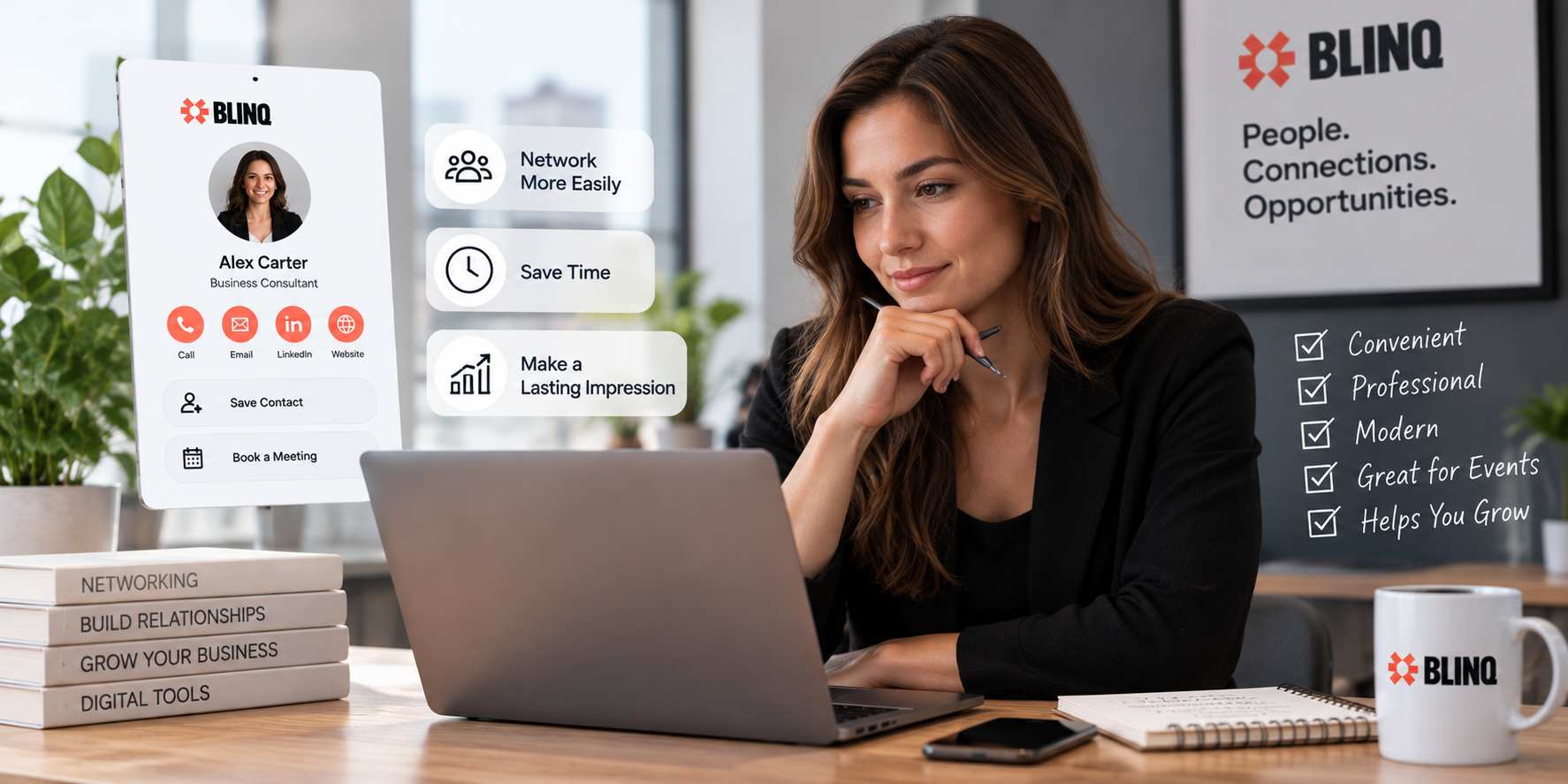
Whether Blinq is suitable depends largely on how often you network and which features you need.
Someone who simply wants a free digital business card can start with the basic plan and share their information through QR codes and other available methods. There is little reason for a casual user to pay for advanced features they will not use.
Professionals who attend conferences, sales meetings, or networking events may find additional value in contact scanning, enrichment, digital wallets, and follow-up features.
Businesses have different requirements. A company with several employees may be more interested in centralized management, consistent branding, lead capture, and CRM connectivity than in the basic digital card itself.
Final Thoughts on Blinq Reviews
Blinq takes the traditional business card concept and turns it into a broader digital networking tool. Its free plan provides a practical starting point, while Premium adds features such as advanced customization, contact scanning, AI Notetaker, enrichment, and contact exports.
Customer feedback across major review platforms is generally positive, with ease of use and convenient digital sharing appearing frequently in user experiences.
The main question is how much functionality you actually need. Someone looking for a simple digital business card can start with the free version, while professionals who manage many contacts or businesses that need centralized team management may find the paid plans more relevant.
Blinq is positioned as more than a replacement for a paper business card. It combines digital identity, contact sharing, networking, lead capture, and follow-up tools in one platform. For professionals and businesses looking to modernize how they exchange and manage contact information, Blinq provides a range of features worth exploring.