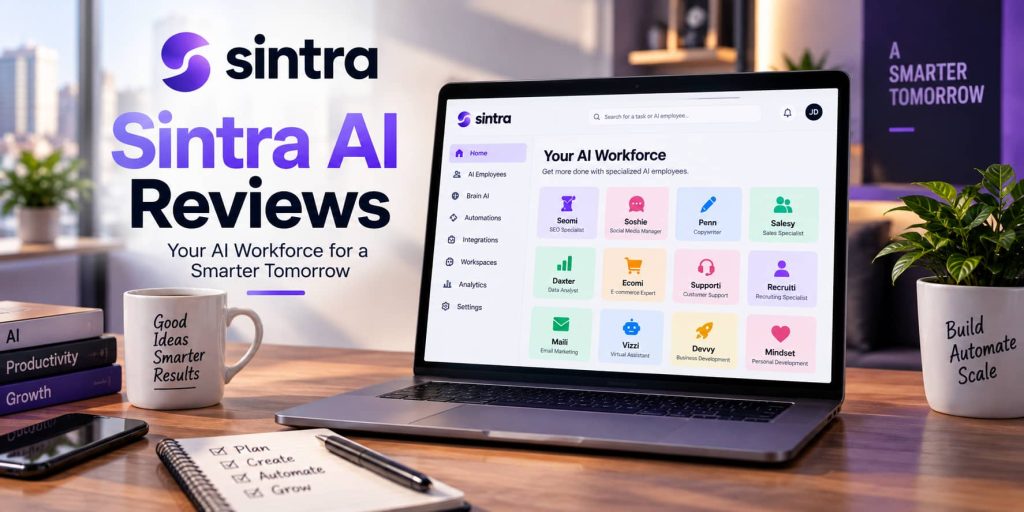
AI tools have moved beyond simple chatbots. Many businesses now use AI for content creation, customer support, social media, sales, research, and everyday administration. Sintra AI takes this concept further by offering a collection of specialized AI employees designed to handle different business tasks from one platform.
But does Sintra AI actually make business work easier, or is it simply another collection of AI tools under one subscription? In this Sintra AI review, we look at its features, AI employees, pricing, integrations, ease of use, potential advantages, and limitations to help you understand what the platform offers.
What Is Sintra AI?
Sintra AI is an all-in-one AI platform built around specialized AI employees. Instead of asking one general-purpose chatbot to perform every task, users can work with different assistants designed for specific business functions.
According to Sintra, its platform includes 12 core AI employees covering areas such as SEO, social media, sales, customer support, copywriting, recruiting, data analysis, email marketing, and virtual assistance. Sintra also provides Brain AI, which acts as a central knowledge hub for business information, documents, brand details, and other context.
The platform is aimed at entrepreneurs, freelancers, agencies, e-commerce operators, small businesses, and growing teams that want to delegate repetitive work to AI without managing several separate applications.
How Does Sintra AI Work?
The main idea behind Sintra AI is specialization.
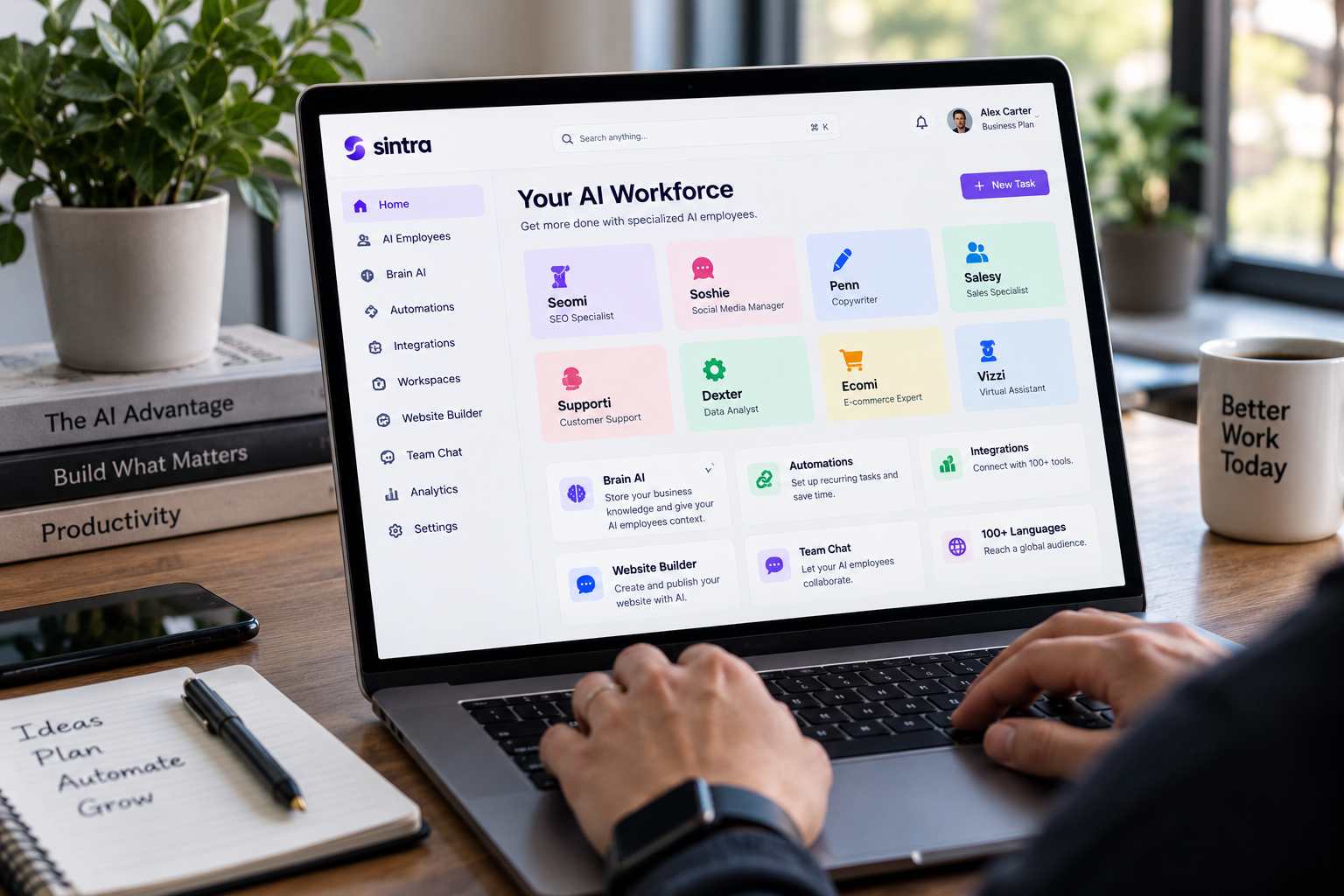
Rather than starting every task with a blank prompt, users can select an AI employee based on the type of work they want to complete. For example, Seomi is focused on SEO, Soshie handles social media tasks, Penn works on copywriting, Dexter focuses on data analysis, and Vizzy acts as a virtual assistant.
Sintra also offers Team Chat, where multiple AI employees can collaborate on a request. The platform describes this as a coordinated workflow in which a team leader can distribute different parts of a task to specialized helpers and combine the results.
This approach can be useful for people who know what they want to accomplish but do not want to spend time creating detailed prompts for every individual task.
What Features Does Sintra AI Offer?
1. Specialized AI Employees
The biggest feature of Sintra AI is its collection of specialized assistants.
The current lineup includes assistants for:
-
- Customer support
- Copywriting
- Business development
- Data analysis
- E-commerce
- Sales
- Personal development
- Recruiting
- SEO
- Social media
- Virtual assistance
- Email marketing
This gives users access to different AI roles without having to purchase a separate tool for every department.
2. Brain AI
Brain AI is designed to give Sintra’s assistants more context about a business. Users can provide information such as documents, brand details, websites, and other business knowledge.
The goal is to reduce repetitive instructions. Once the relevant information is available, different AI employees can use the same business context when completing tasks.
For companies that regularly create content or communicate with customers, consistent brand information can be particularly useful.
3. Business Automations
Sintra also includes automation features designed to run certain workflows without requiring the user to manually start every task.
The platform promotes use cases such as social media posting, customer replies, meeting notes, email-related tasks, SEO work, marketing activities, and business analysis.
Automation can be valuable for repetitive activities, although users should still review important business communications and AI-generated information before relying on it.
4. Integrations
Sintra is designed to connect with external tools and services. Its current plans advertise more than 15 integrations, while newer Sintra pages promote a much broader integration ecosystem.
Integrations matter because an AI assistant becomes more useful when it can work with the applications a business already uses.
5. Multiple Languages
Sintra states that its AI employees support more than 100 languages. This can make the platform relevant to businesses serving customers or audiences across multiple markets.
Sintra AI Reviews: What Is the User Experience Like?
One of the main attractions of Sintra AI is its role-based interface. Instead of treating AI as a blank chat window, the platform presents assistants according to their business responsibilities.
For new AI users, this can make the starting point clearer. A person looking for help with SEO can use the SEO assistant, while someone working on social media can select the relevant specialist.
Sintra also promotes one-click use cases that are intended to reduce the amount of prompting required. The company says users can complete tasks such as generating images, analyzing information, summarizing emails, and working on website optimization through predefined workflows.
However, expectations still matter. AI-generated content can require editing, fact-checking, and human approval. Specialized assistants can simplify the workflow, but they do not remove the need for oversight.
Sintra AI Pricing
Pricing is one area where potential customers should check the current checkout page carefully because Sintra displays promotional prices alongside standard pricing.
The official help center currently lists standard Sintra X pricing at $97 for one month, $177 for three months, and $624 for 12 months. Each plan includes the 12 core helpers, unlimited workspaces, integrations, and a monthly credit allowance.
Sintra’s pricing page currently displays promotional prices of $48.50 per month for the one-month option, $23.60 per month when billed quarterly, and $15.60 per month on the displayed annual promotion.
The platform also uses credits for certain activities. The help center says the standard subscription includes 250 credits per month, with different actions consuming different amounts.
Because promotional pricing can change, checking the final price before purchasing is important.
Is Sintra AI Easy to Use?
Sintra is designed around a relatively simple workflow. The company promotes zero technical setup and says users can interact with the platform through conversational requests and predefined use cases.
This makes it suitable for users who are comfortable using web-based business software but do not want to build complicated AI workflows themselves.
The biggest learning curve may come from understanding which assistant should handle which task and how much information to provide through Brain AI. Once the business context is properly configured, recurring tasks can become more consistent.
What Are the Pros and Cons of Sintra AI?
Pros
-
- 12 specialized AI employees in one platform
- Business-focused assistants for marketing, sales, SEO, support, and other tasks
- Brain AI for storing business knowledge and context
- Automation features for repetitive workflows
- Support for more than 100 languages
- Integrations with external tools
- Team Chat for coordinated AI work
- 14-day money-back guarantee on qualifying plans
Cons
-
- Pricing can be confusing because promotional and standard prices are displayed
- Credit limits can affect certain AI activities
- AI-generated work still requires human review
- The large number of assistants and features may take time to learn
- Users who only need basic AI writing may not need a full AI workforce platform
Who Is Sintra AI Best For?
Sintra AI appears most relevant to people who have several recurring business tasks rather than a single AI requirement.
For example, a small business owner could potentially use different assistants for social media, SEO, email marketing, sales, and customer support. An agency could use the platform for content and administrative workflows across multiple projects.
Freelancers and solo entrepreneurs may also find the role-based approach useful because one subscription provides access to multiple specialized assistants.
On the other hand, someone who only needs occasional brainstorming, basic writing, or simple question answering may find a multi-assistant business platform unnecessary.
Is Sintra AI Worth Considering?
Whether Sintra AI fits your workflow depends largely on how many business processes you want to manage through AI.
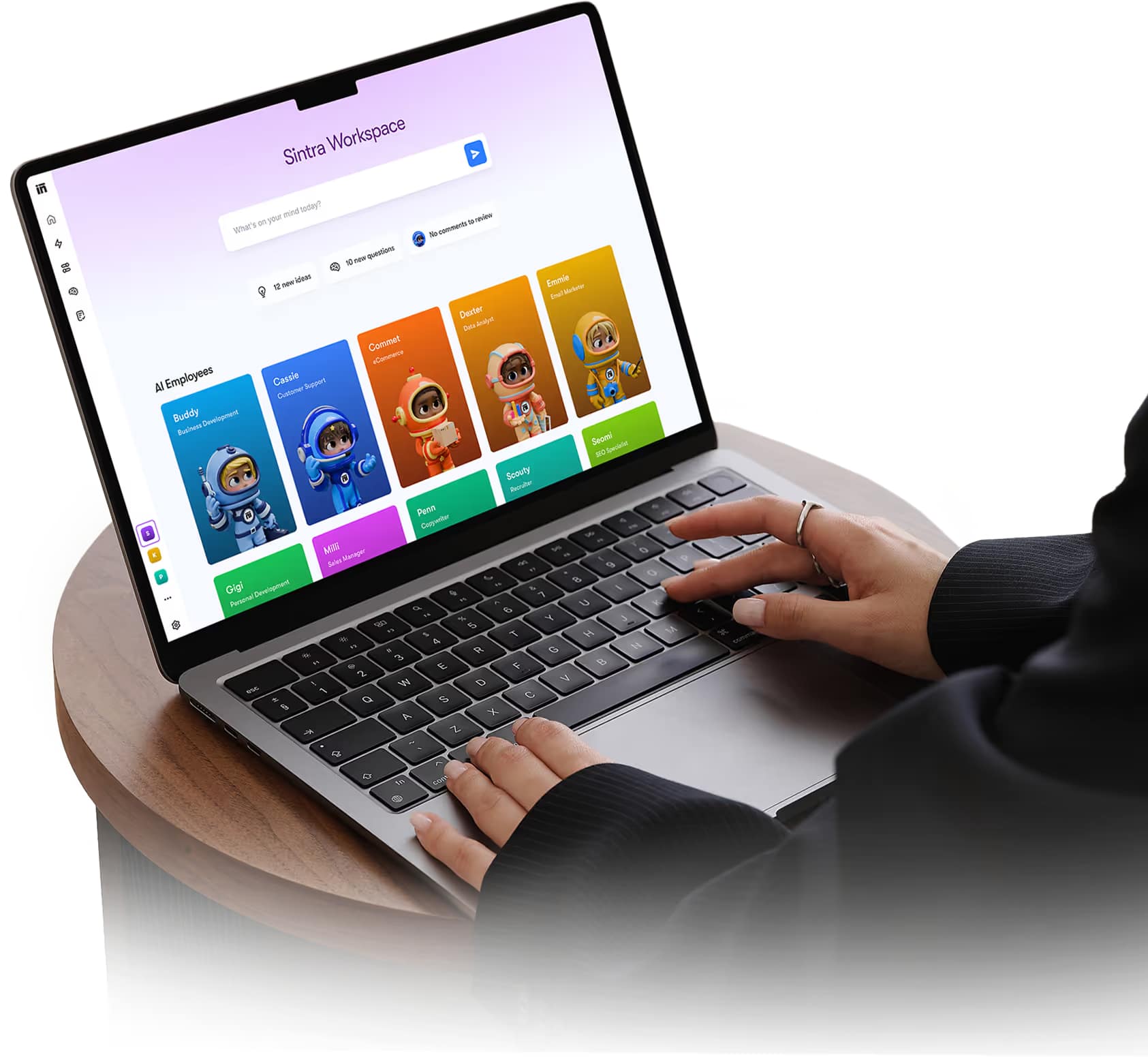
Its main selling point is not simply generating text. The platform combines specialized AI employees, shared business knowledge, automations, integrations, and coordinated workflows into one environment.
The credit system and subscription cost are worth considering before signing up, particularly for users expecting heavy AI usage. It is also important to review generated content rather than treating AI output as automatically accurate.
For businesses that regularly work across marketing, sales, content, support, SEO, and administration, having those functions available from one platform can simplify the overall workflow.
Final Thoughts on Sintra AI Reviews
Sintra AI takes a different approach from a standard AI chatbot by presenting AI as a collection of specialized digital employees. Its 12 core assistants, Brain AI, automation features, integrations, multilingual support, and collaborative Team Chat give the platform a broad range of potential business applications.
The main points to examine before subscribing are pricing, monthly credits, the specific integrations you need, and whether your daily workload justifies a broader AI workforce platform.
Overall, Sintra AI is designed for users who want to delegate multiple business tasks to specialized AI assistants rather than use AI for occasional questions or content generation. A 14-day money-back guarantee also gives eligible new customers an opportunity to evaluate the platform before making a longer-term commitment.